

Pricing pages that do not bury the lead
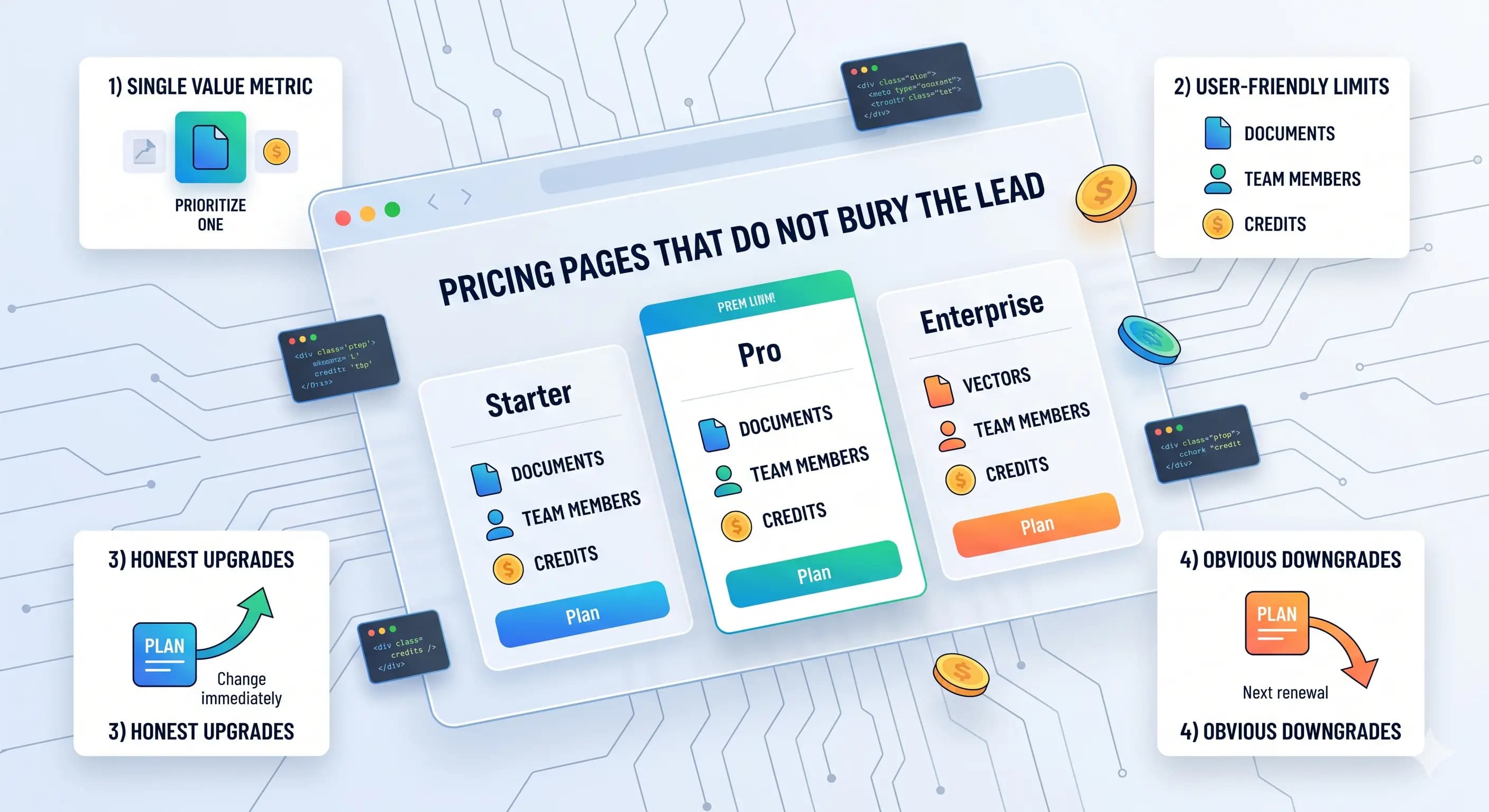
Three cards and an annual toggle are not a strategy: they are layout. Buyers are deciding if the upgrade is obvious, fair, and reversible.
Use this as a worksheet: pick a value metric, align limits, then wire the UI blocks your template already exposes.
1) Start with one “main value metric”
Examples:
- Seats
- Projects
- Credits
- API calls
- Documents
Pick one primary metric and keep the rest as secondary limits. Templates become messy when pricing tries to be everything at once.
2) Make plans easy to compare
Good pricing tables include:
- A short “best for” line per plan
- 3–5 bullets that actually differentiate the plans
- A single highlighted recommended plan
- A link to “all features” for the detail-oriented
3) Name limits the way users think
Don’t expose internal terms. Prefer:
- “Documents” instead of “vectors”
- “Messages” instead of “tokens”
- “Team members” instead of “seats” (if your market is non-technical)
4) Handle upgrades and downgrades honestly
Common defaults:
- Upgrades apply immediately
- Downgrades apply at the next renewal
Whatever you choose, show it on the page. Surprises lead to churn.
5) Implementation checklist for templates
To keep pricing manageable in code:
- Store plan definitions in a single config file
- Model entitlements as a function of plan + usage
- Gate premium features server-side
- Use webhooks as the billing truth
Want a reference product that uses credits + billing? Start at SaaSForge AI and its credits docs. For pricing/licensing questions before you buy, our FAQ page answers the common pre-purchase queries, and Why Boilerlykit explains the one-time-purchase model in one page.